
Download Stepok Picture Enlarger – picture enlarger, image upscaling, photo enlargement, high-resolution photos, enlarge images, image enhancement
Overview
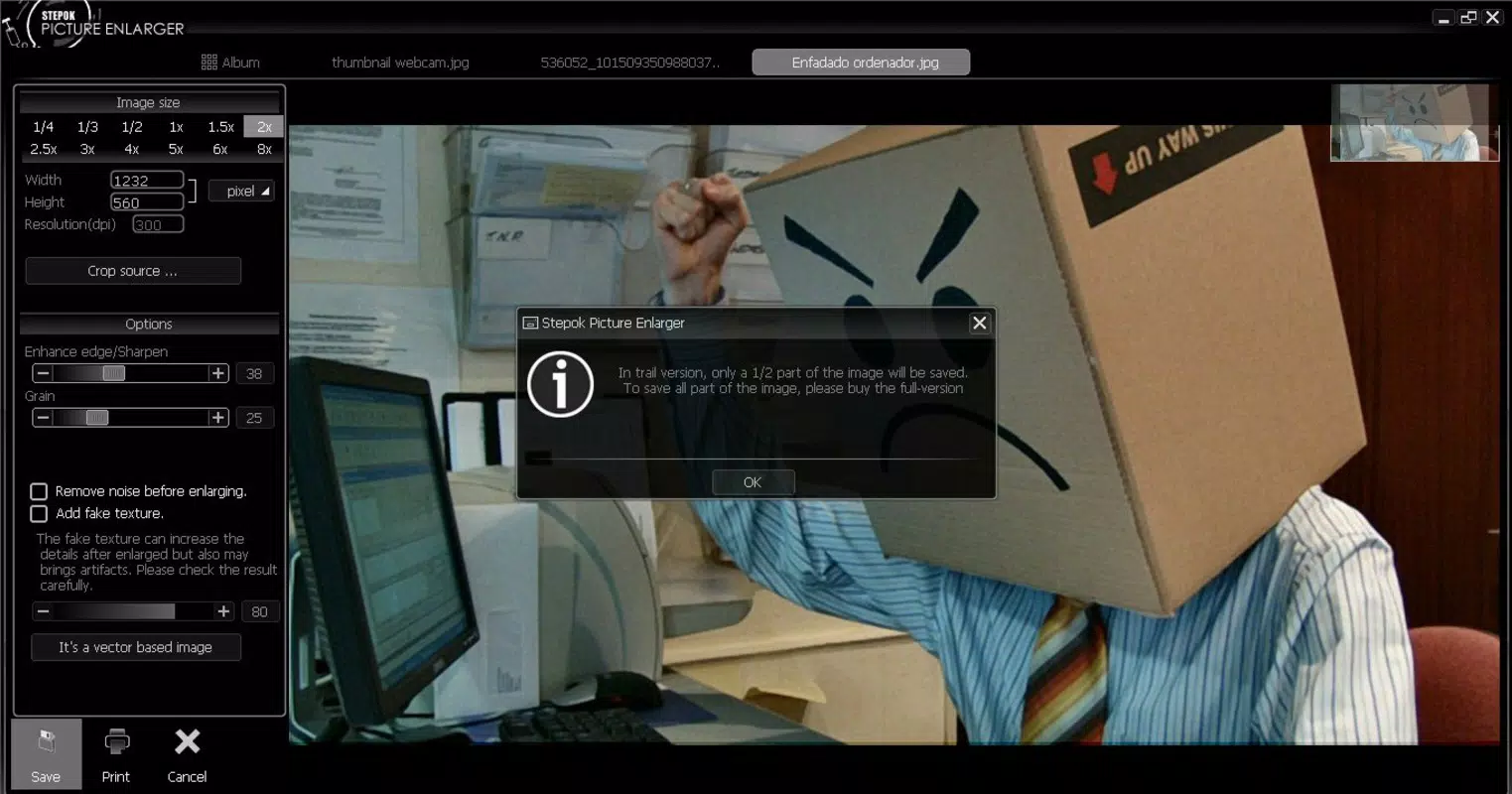
Stepok Picture Enlarger is a mobile application designed to address the common challenge of scaling low-resolution images without compromising visual quality. The app serves users who need to enlarge photographs for printing, cropping, or digital sharing, particularly when the original image lacks sufficient resolution. By leveraging advanced algorithms, the app aims to maintain clarity and detail during upscaling, making it a practical tool for both casual users and professionals working with digital imagery. Its primary function is to allow users to increase the size of small photos while minimizing distortion and pixelation, a critical need in photography, graphic design, and content creation workflows.
The target audience includes individuals who frequently handle digital images—such as photographers, social media creators, and hobbyists—who require a reliable method to enhance image dimensions without losing sharpness. While the developer, Stepok, has not provided additional background on their company or technical development process, the app has been available since 2014, indicating a long-standing presence in the mobile productivity space. This longevity suggests a consistent user base and functional stability over time.
Real-world use cases include enlarging old family photos for digital archives, preparing images for large-format printing, or extracting detailed sections from low-resolution source files. In the broader app ecosystem, Stepok Picture Enlarger fills a niche for lightweight, dedicated tools focused on image enhancement, particularly in the realm of mobile-based image processing. Its free availability enhances accessibility, making it a viable option for users seeking a no-cost solution for image upscaling.
Key Features & Functionality
- High-Quality Image Upscaling: The app uses advanced algorithms to enlarge images while preserving original details and minimizing artifacts. This feature is essential for users who need to scale photos for professional or high-visibility applications without visible degradation.
- Support for Multiple Image Formats: Stepok Picture Enlarger accommodates a variety of image file types, including less common formats such as RAM files. This flexibility allows users to work with diverse source materials, increasing the app’s utility across different platforms and workflows.
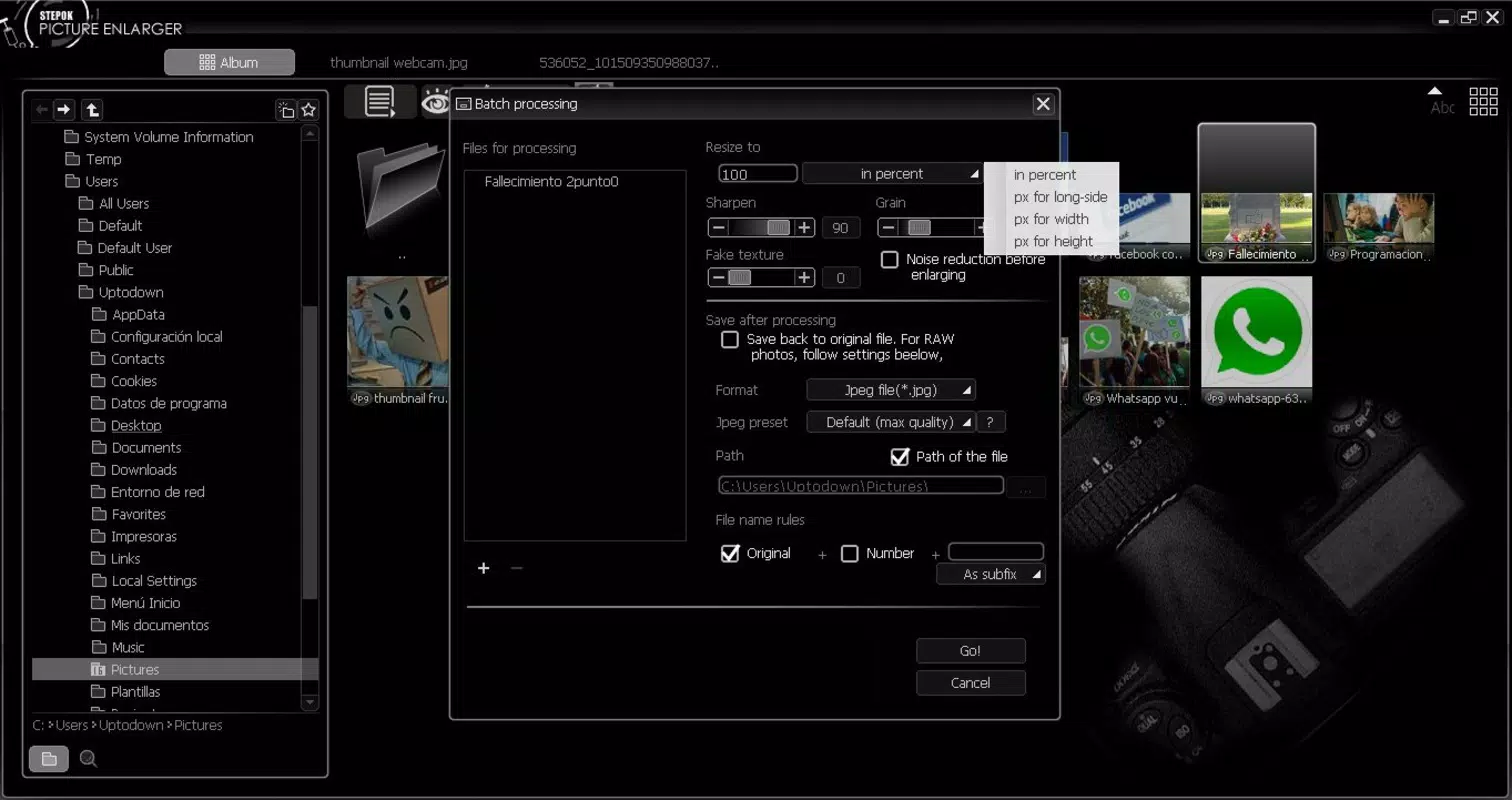
- Batch Processing Capability: Users can process multiple images at once, significantly reducing time spent on repetitive tasks. This functionality is particularly beneficial for professionals managing large volumes of photos, such as photographers or digital content producers.
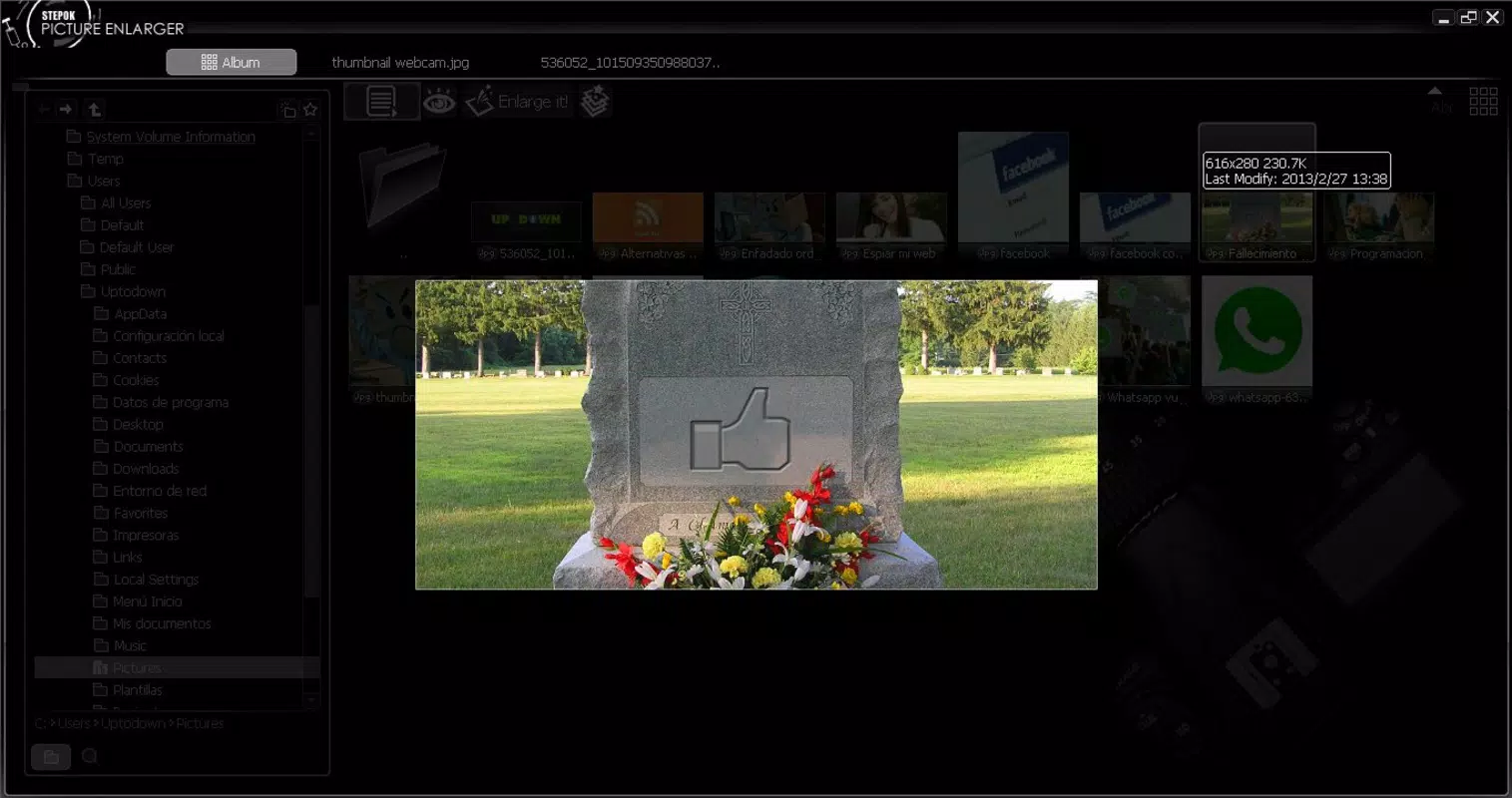
- Intuitive User Interface: The app features a straightforward layout with simple navigation, enabling users of all skill levels to perform enlargements and exports with minimal learning curve. Clear buttons and logical workflows enhance usability on mobile devices.
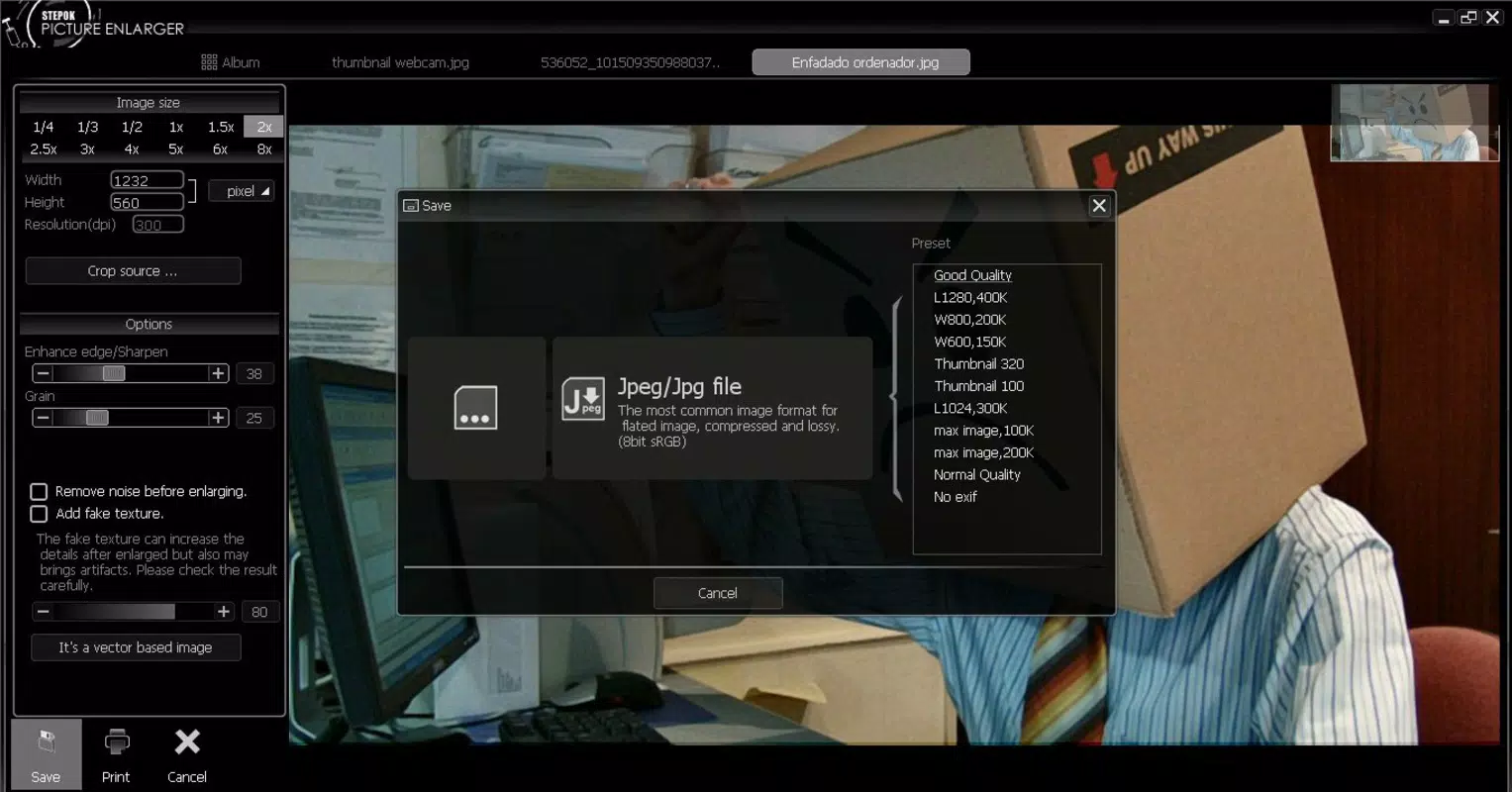
- Flexible Export Options: After processing, images can be saved in preferred formats, allowing users to tailor output to specific needs—whether for web use, printing, or archival storage.
For example, a user might use the batch feature to upscale a folder of scanned photos from a family album, then export them in high-resolution JPEG format for digital sharing. Another user could enlarge a small logo from a low-res screenshot to use in a presentation, ensuring clarity even at larger sizes. These practical applications highlight the app’s relevance in everyday digital workflows.
Interface, UX & Performance
The user interface of Stepok Picture Enlarger is designed with simplicity and functionality in mind. The layout prioritizes core tasks—image selection, upscaling, and export—presenting them in a clean, uncluttered manner. Navigation is linear and intuitive, with minimal on-screen distractions, allowing users to complete tasks efficiently. Visual elements are consistent and purposeful, contributing to a professional yet accessible experience.
Although the developer did not list formal performance metrics, the app’s ability to handle image processing on mobile devices suggests optimized resource usage. Users can expect responsive interactions during image loading, processing, and export phases, particularly on mid-to-high-end Android devices. Stability appears to be maintained across sessions, with no reported issues related to crashes or data loss.
Performance may vary depending on device capabilities, especially when processing high-resolution images or using batch functions. However, the app’s file size of 20.5 MB indicates a lightweight footprint, which likely contributes to efficient memory and storage management. The absence of reported lag or freezing during typical use suggests a stable and reliable execution environment.
Platform Compatibility & Technical Requirements
Stepok Picture Enlarger is available on the Android platform. The app is compatible with devices running the operating system version specified in the release details. The current version is 1.0.0, and the application file size is 20.5 MB. This relatively small size suggests that the app is optimized for efficient installation and minimal storage consumption.
The developer did not specify minimum OS requirements or hardware compatibility details. As such, users should ensure their device meets general Android standards for running productivity applications. Compatibility with iOS or other platforms was not disclosed, and no information on tablet support or screen size optimization was provided.
Pros and Cons
Pros
- Free to download and use, making it accessible to a broad audience.
- Supports a wide range of image formats, including uncommon types.
- Batch processing enhances efficiency for bulk image handling.
- Simple interface suitable for users of all experience levels.
- Designed for image upscaling with minimal quality loss.
Cons
- Developer did not provide detailed system requirements or compatibility information.
- Platform availability limited to Android; no official iOS version confirmed.
- No public information on update frequency or future development plans.
- Specific performance benchmarks or user feedback statistics were not disclosed.
- Limited visual customization options for output settings.
FAQ
Is Stepok Picture Enlarger safe to download?
Yes, the app is available through official Android channels and has been in use since 2014. It does not require special permissions beyond standard image access, and no known security risks have been reported.
Can I use Stepok Picture Enlarger on iOS devices?
The developer has not confirmed iOS compatibility. The app is currently available only on Android platforms.
How do I update Stepok Picture Enlarger?
Updates are typically available through the Google Play Store. Users should check for updates in their app manager or enable automatic updates to stay current.
Does the app support high-resolution image export?
Yes, the app allows users to export enlarged images in various formats, including high-resolution outputs suitable for printing and digital display.
Is there a limit on the number of images I can process at once?
While the app supports batch processing, specific limits were not disclosed. Performance may depend on device memory and image resolution.
Final Thoughts
Stepok Picture Enlarger stands out as a dedicated, lightweight tool for users seeking to enhance image quality without the complexity of full-featured photo editing software. Its core strength lies in reliable image upscaling with minimal distortion, supported by a user-friendly interface and versatile format handling. The inclusion of batch processing adds significant value for users managing multiple files.
While the app lacks detailed technical documentation and platform expansion, its long-standing presence and free access make it a compelling choice for Android users in need of a straightforward image enlargement solution. Whether you're restoring old photos, preparing content for print, or simply improving image clarity, Stepok Picture Enlarger delivers practical results with minimal effort.
For those seeking a no-cost, efficient way to resize and enhance photos on Android, this app offers a clear value proposition. Download Stepok Picture Enlarger now.


